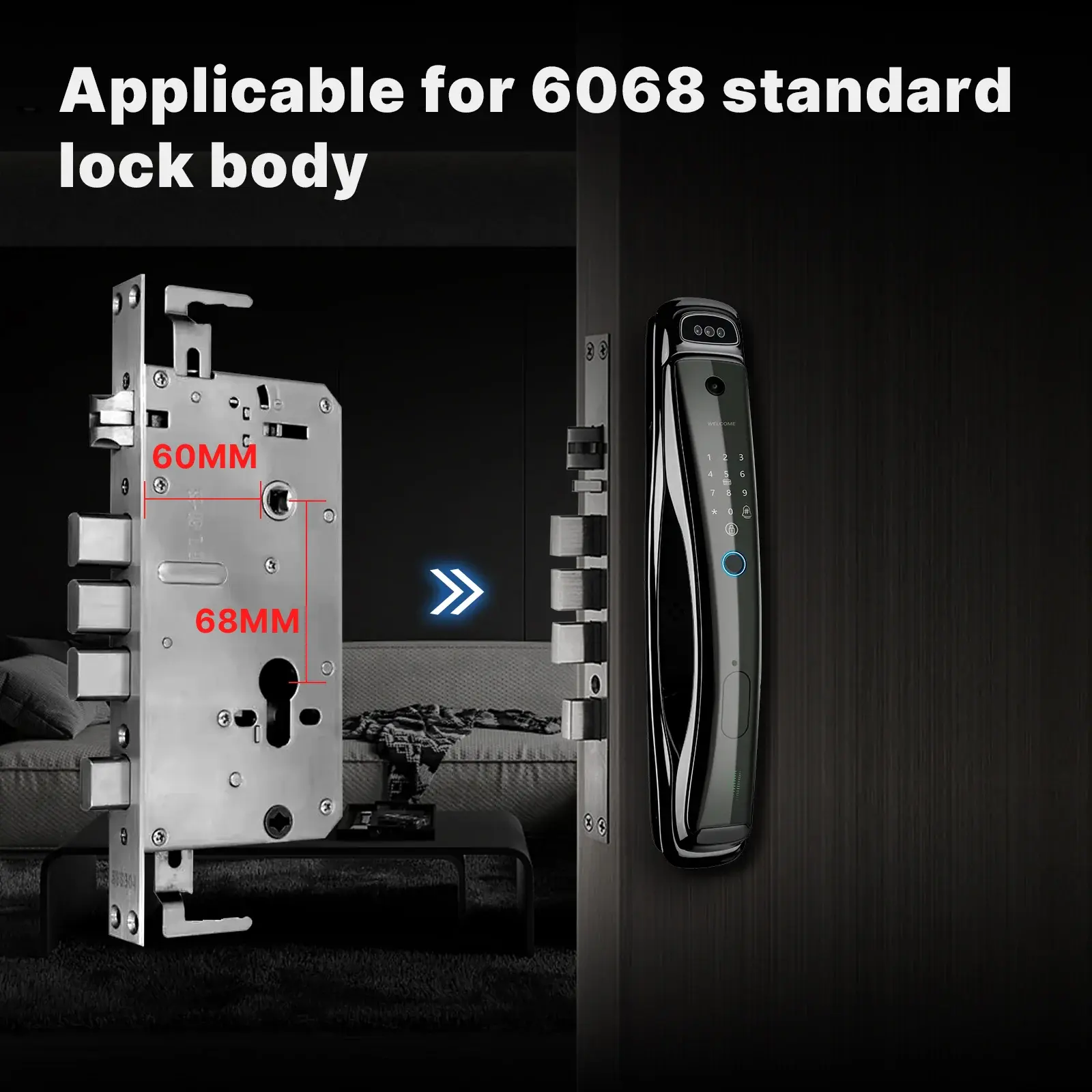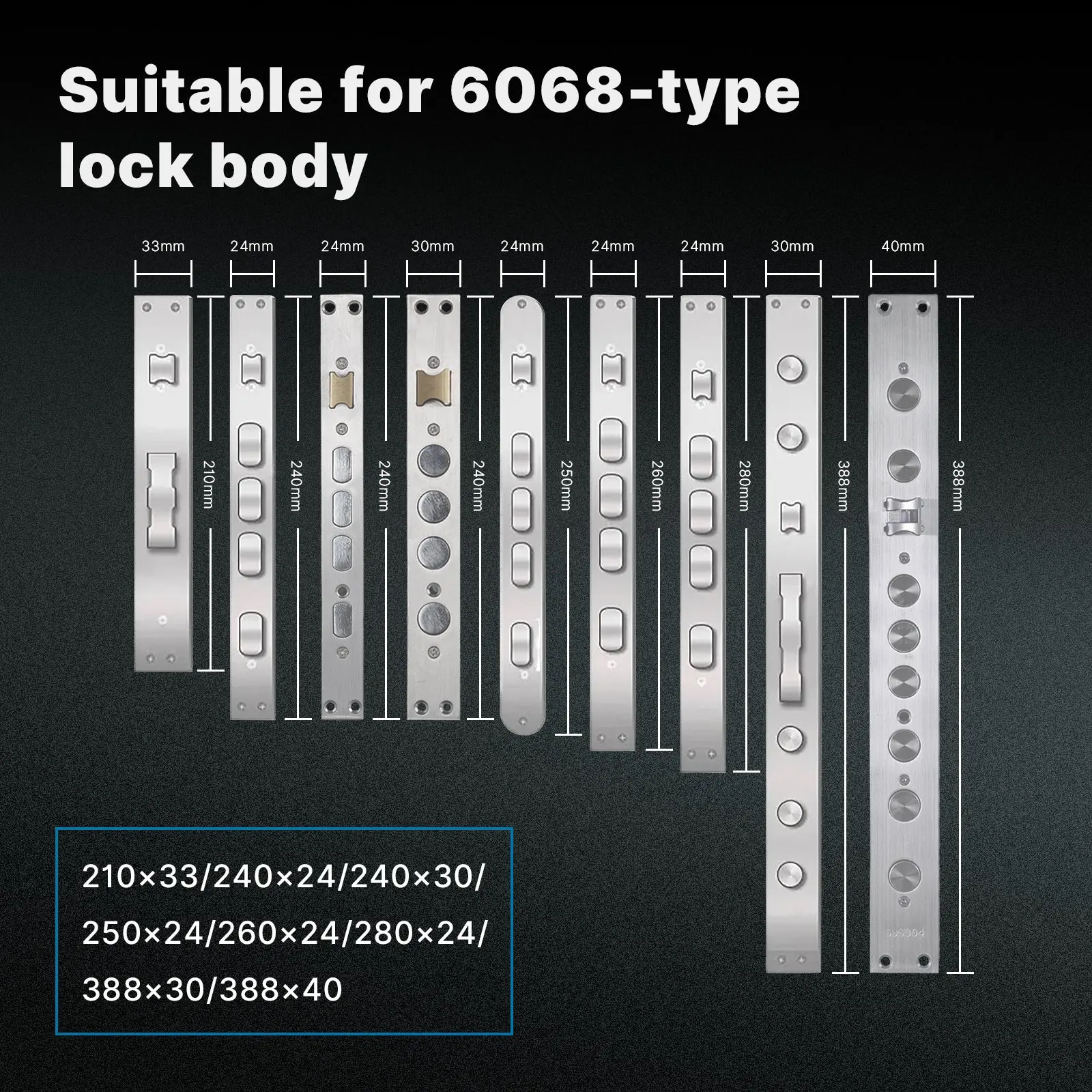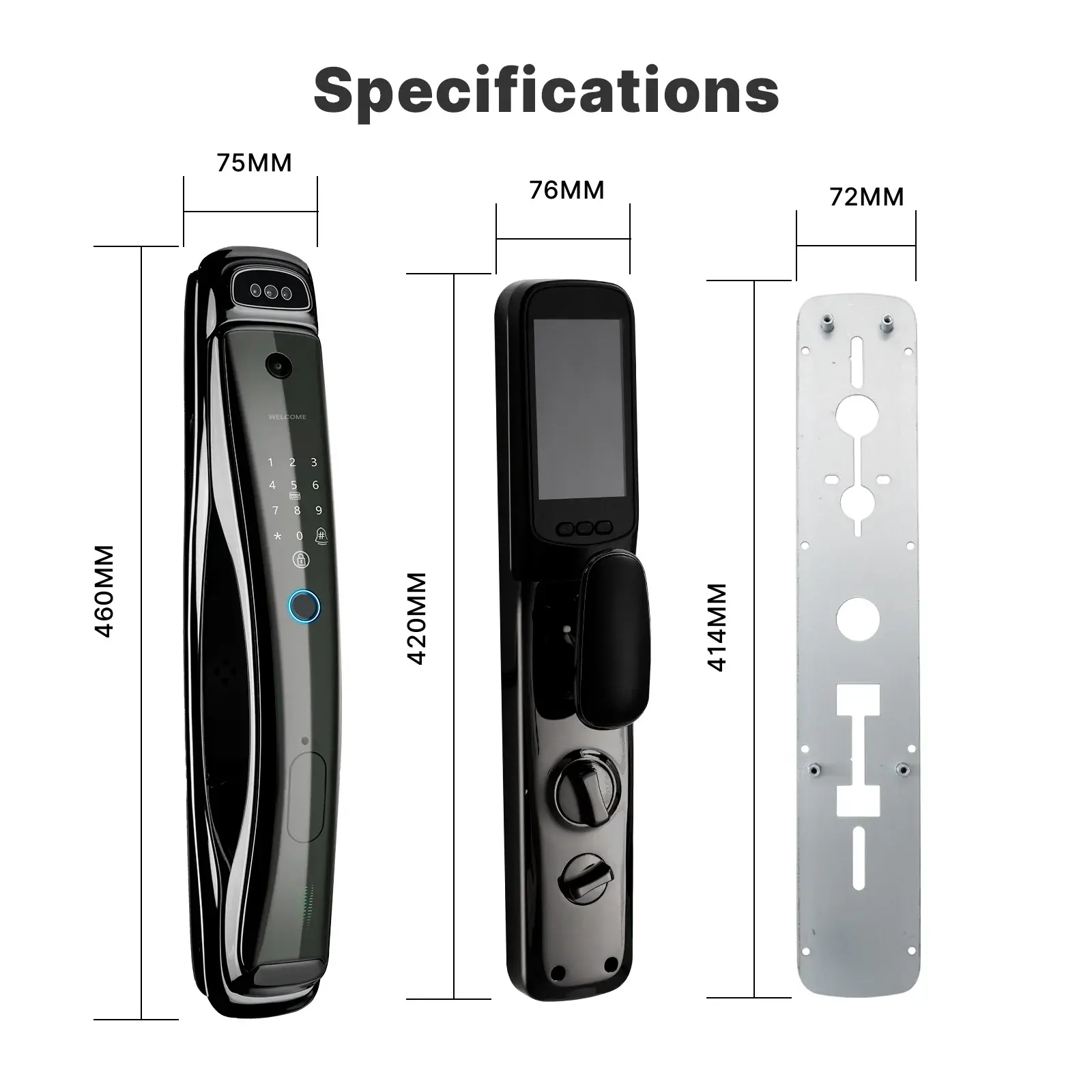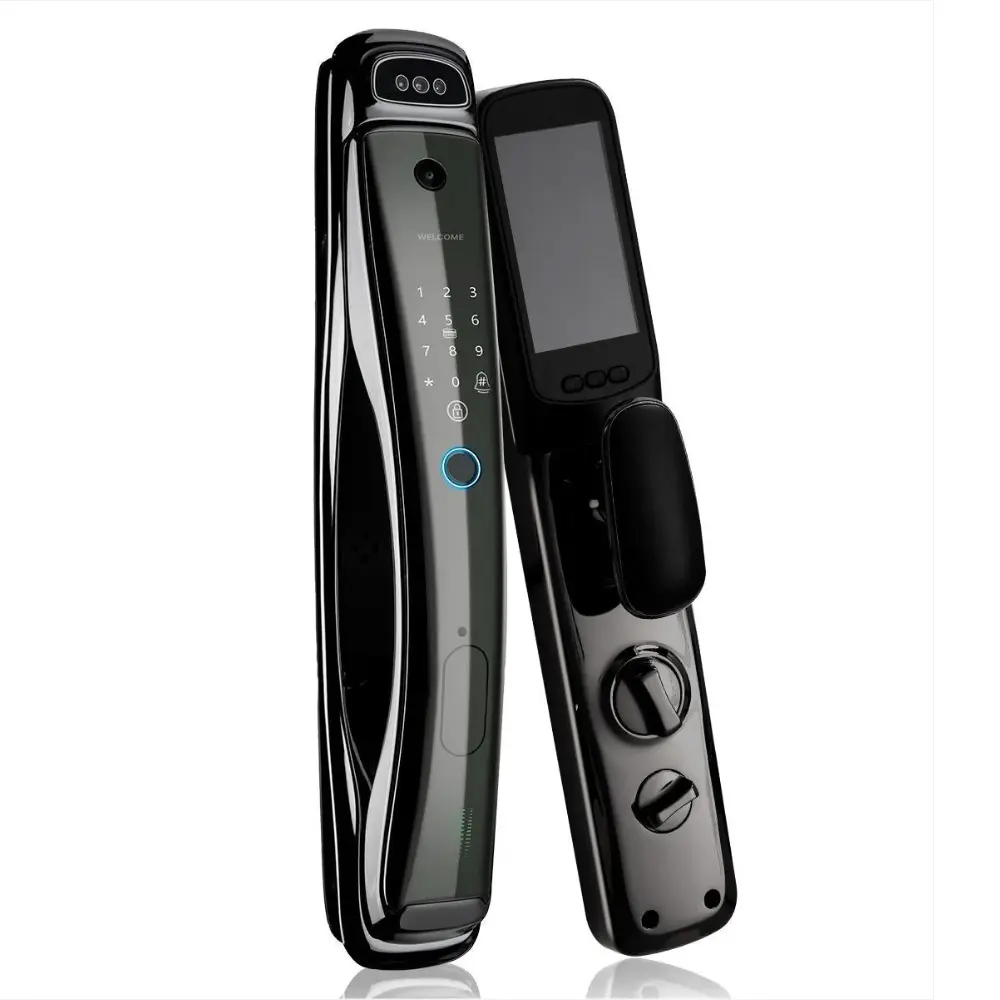
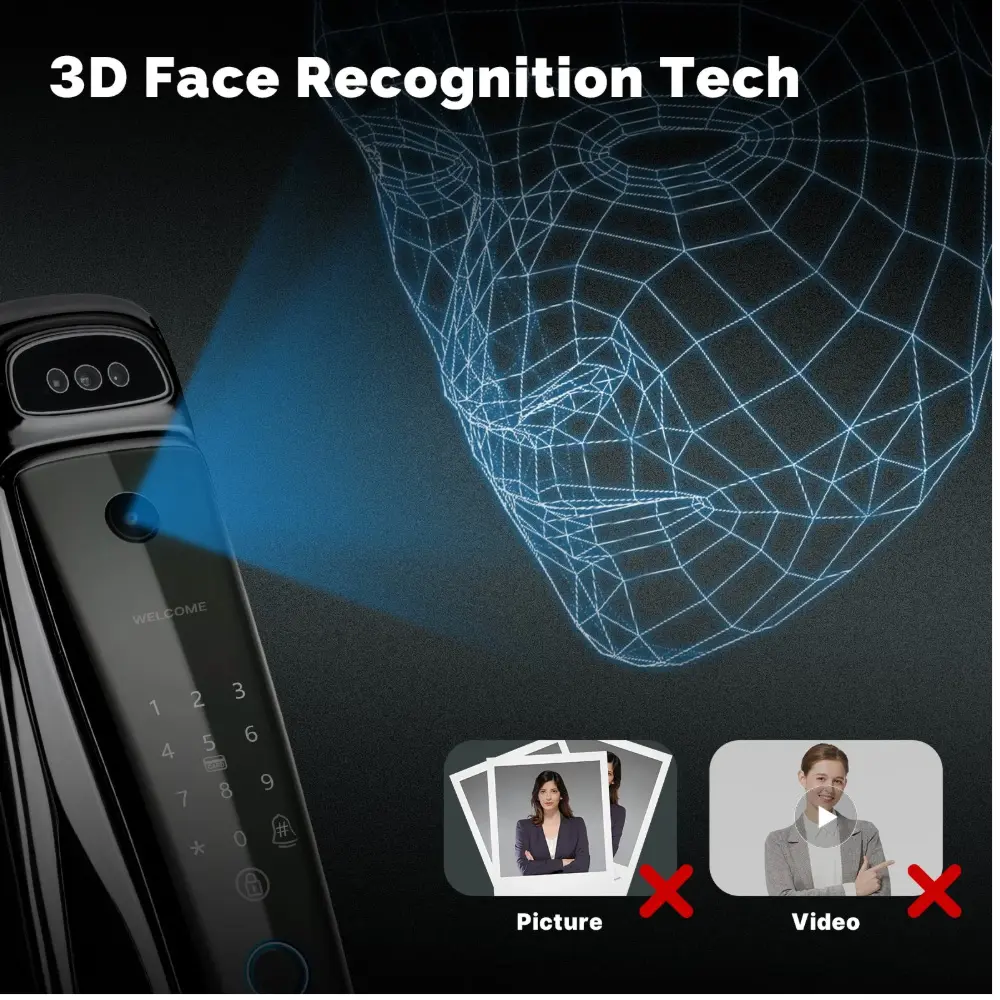
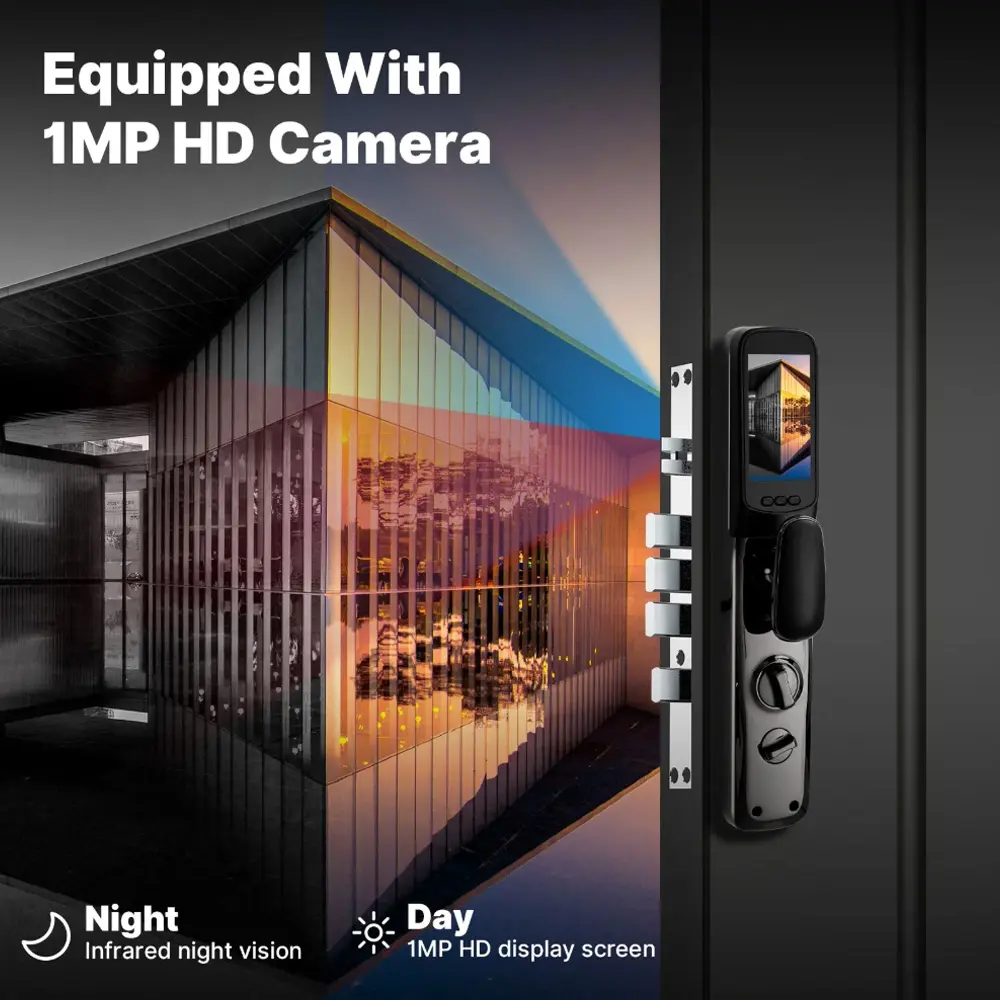
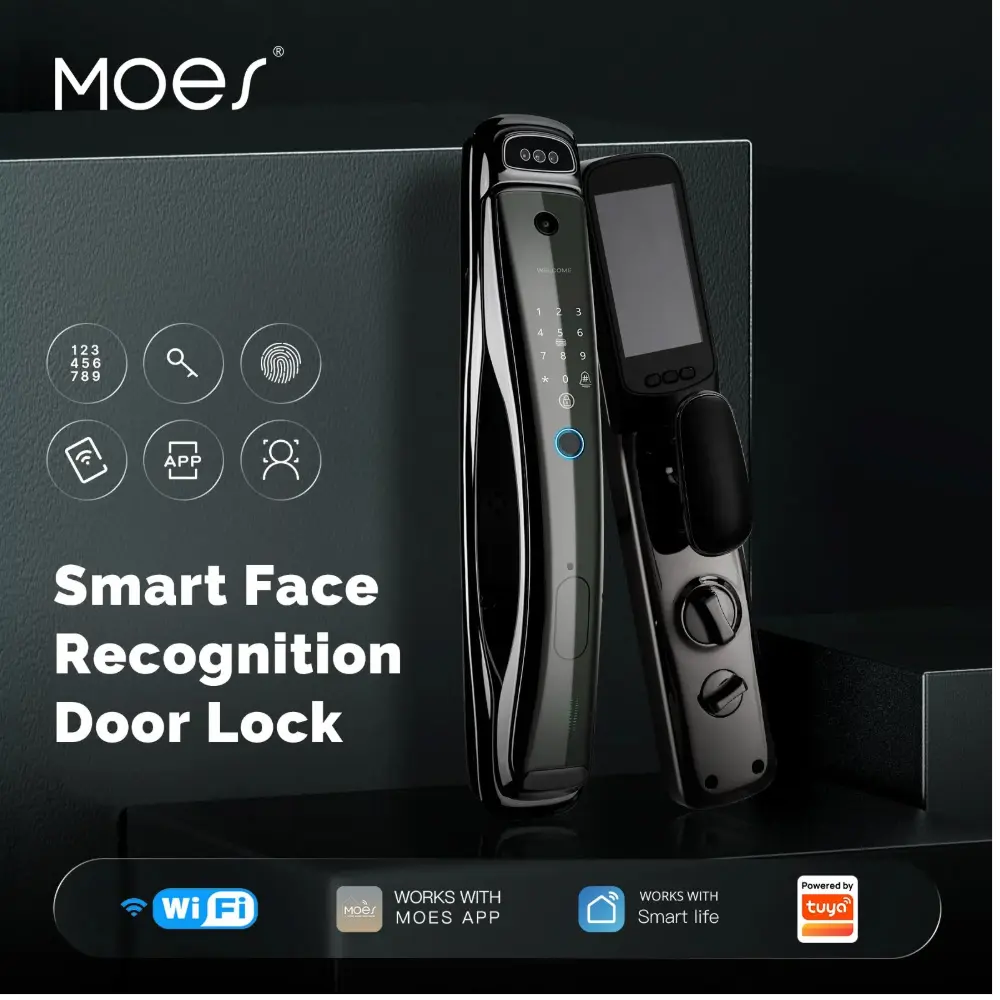
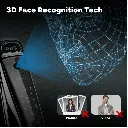
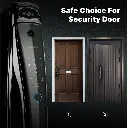
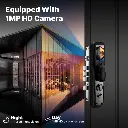
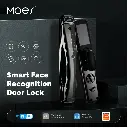
Experience cutting-edge security with our Smart Facial Recognition Door Lock featuring 3D facial recognition technology, a high-definition 1MP camera, semiconductor fingerprint recognition, anti-theft alarm, and compatibility with the 6068 standard lock body.
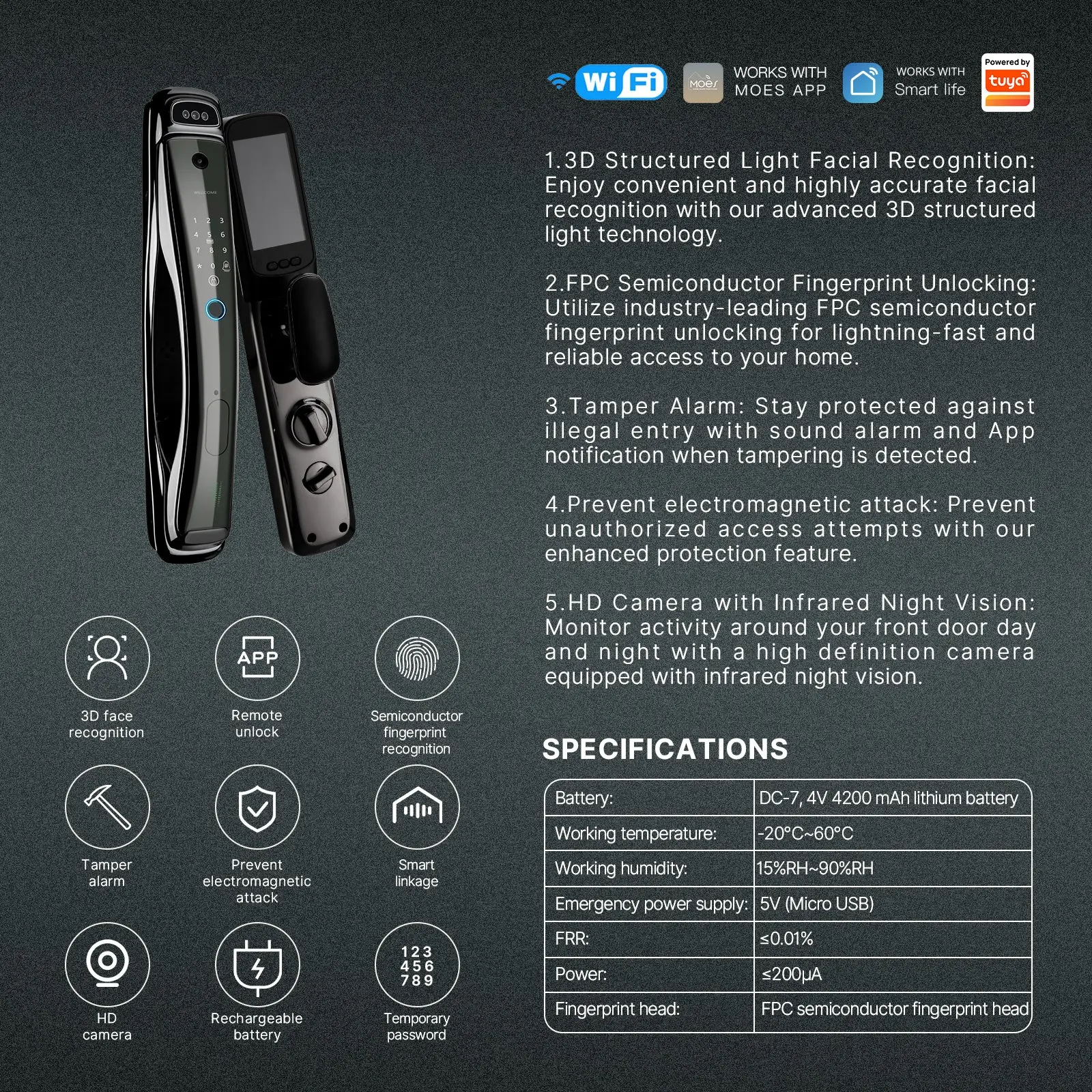
- 3D Structured Light Facial Recognition: Enjoy convenient and highly accurate facial recognition with our advanced 3D structured light technology.
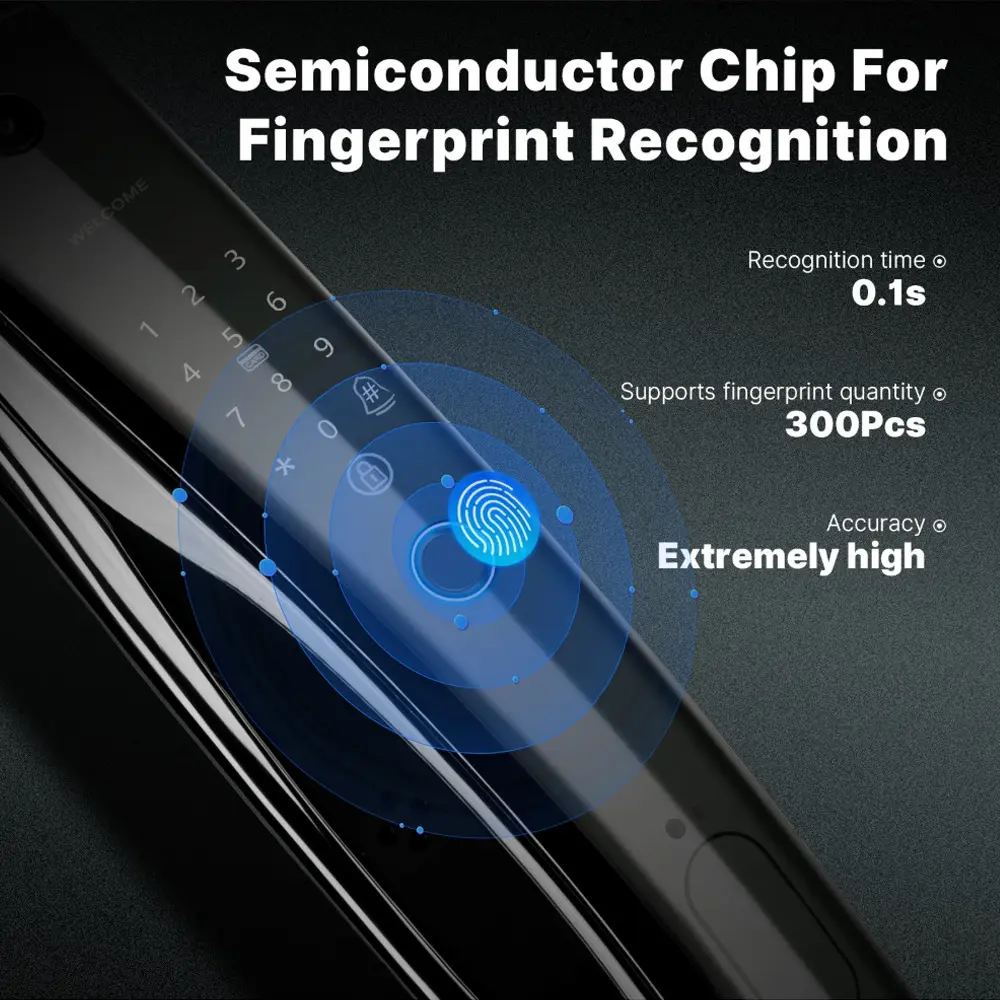
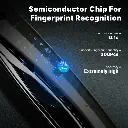
- FPC Semiconductor Fingerprint Unlocking: Utilize industry-leading FPC semiconductor fingerprint unlocking for lightning-fast and reliable access to your home.
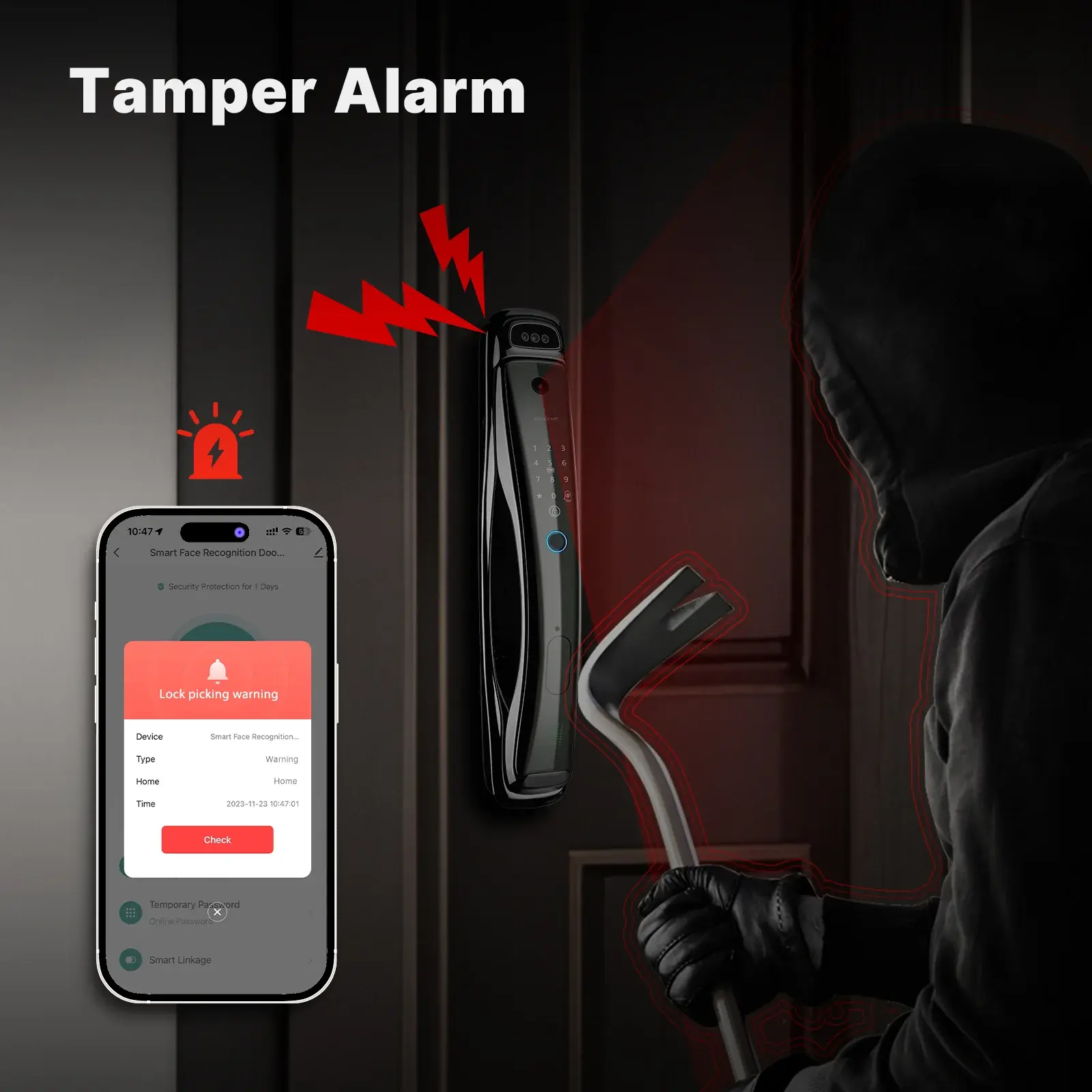
- Tamper Alarm: Stay protected against illegal entry with sound alarm and App notification when tampering is detected.
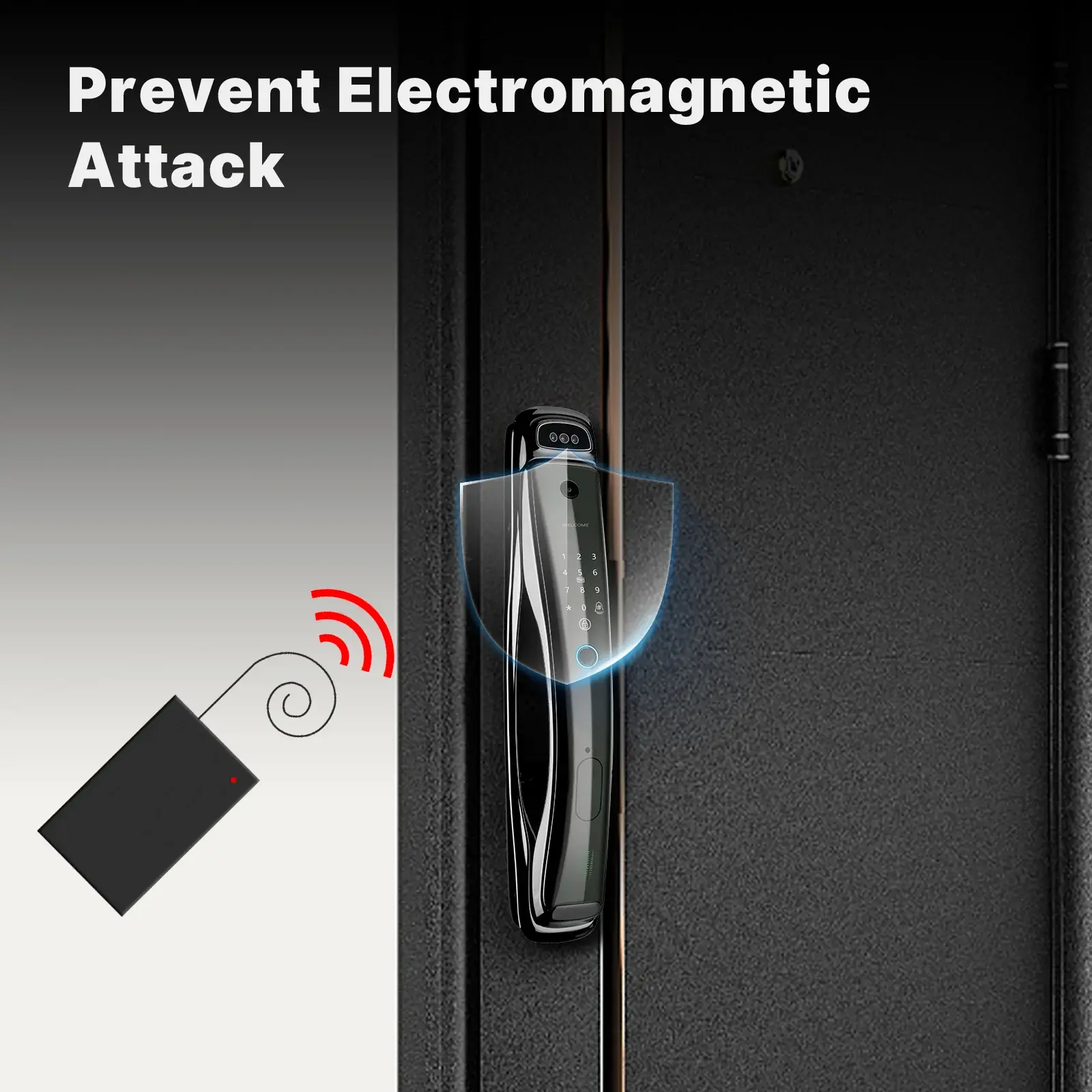
- Prevent electromagnetic attack: Prevent unauthorized access attempts with our enhanced protection feature.
- HD Camera with Infrared Night Vision: Monitor activity around your front door day and night with a high definition camera equipped with infrared night vision.
- Note: Lock body needs to be purchased separately.
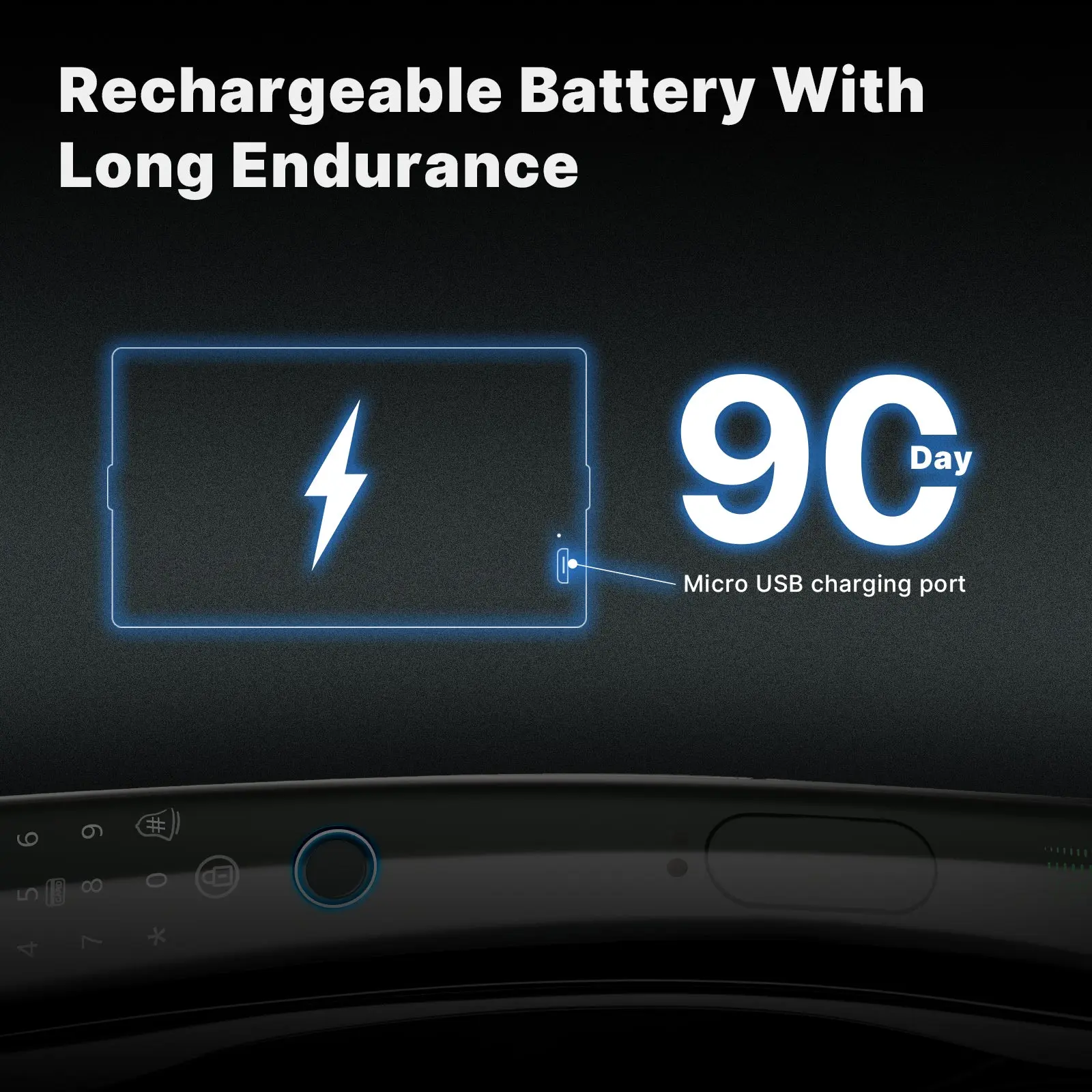
- Battery: DC-7, 4V 4200 mAh lithium battery
- Working temperature: -20℃~60℃
- Working humidity: 15%RH~90%RH
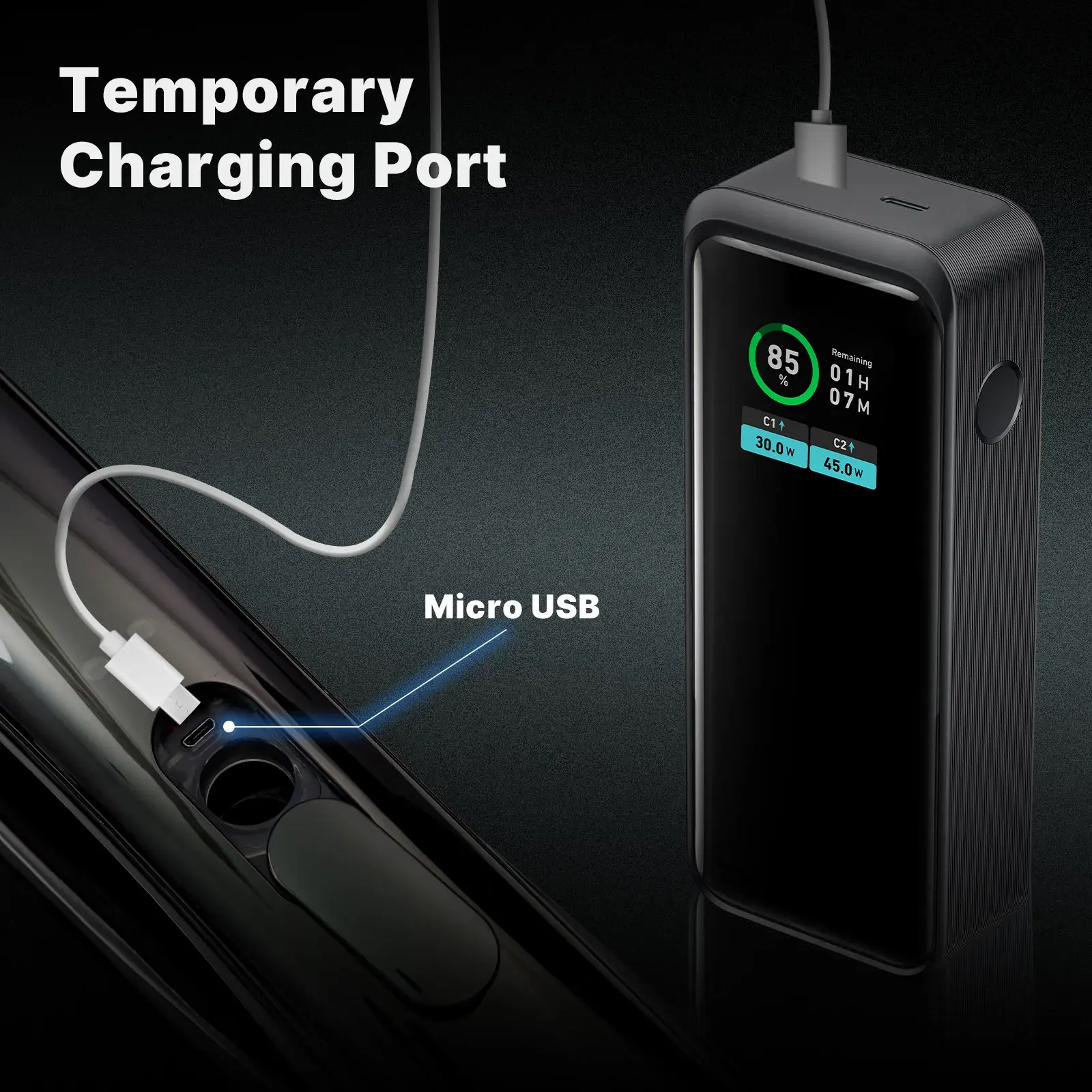
- Emergency power supply: 5V (Micro USB)
- FRR: ≤0.01%
- Power: ≤200μA
- Fingerprint head: FPC semiconductor fingerprint head
- Packing list
- Smart door lock (including battery)*1
- Spring*1
- Washer*2
- Rear lock panel screws*4
- Lock core*1
- Key*2
- Pin*2
- Sleeve screw*2
- Square copper*1
- Connecting screws*2
- Anti-locking pin*1
- Anti-slip mat*1
- Rear lock lining*1
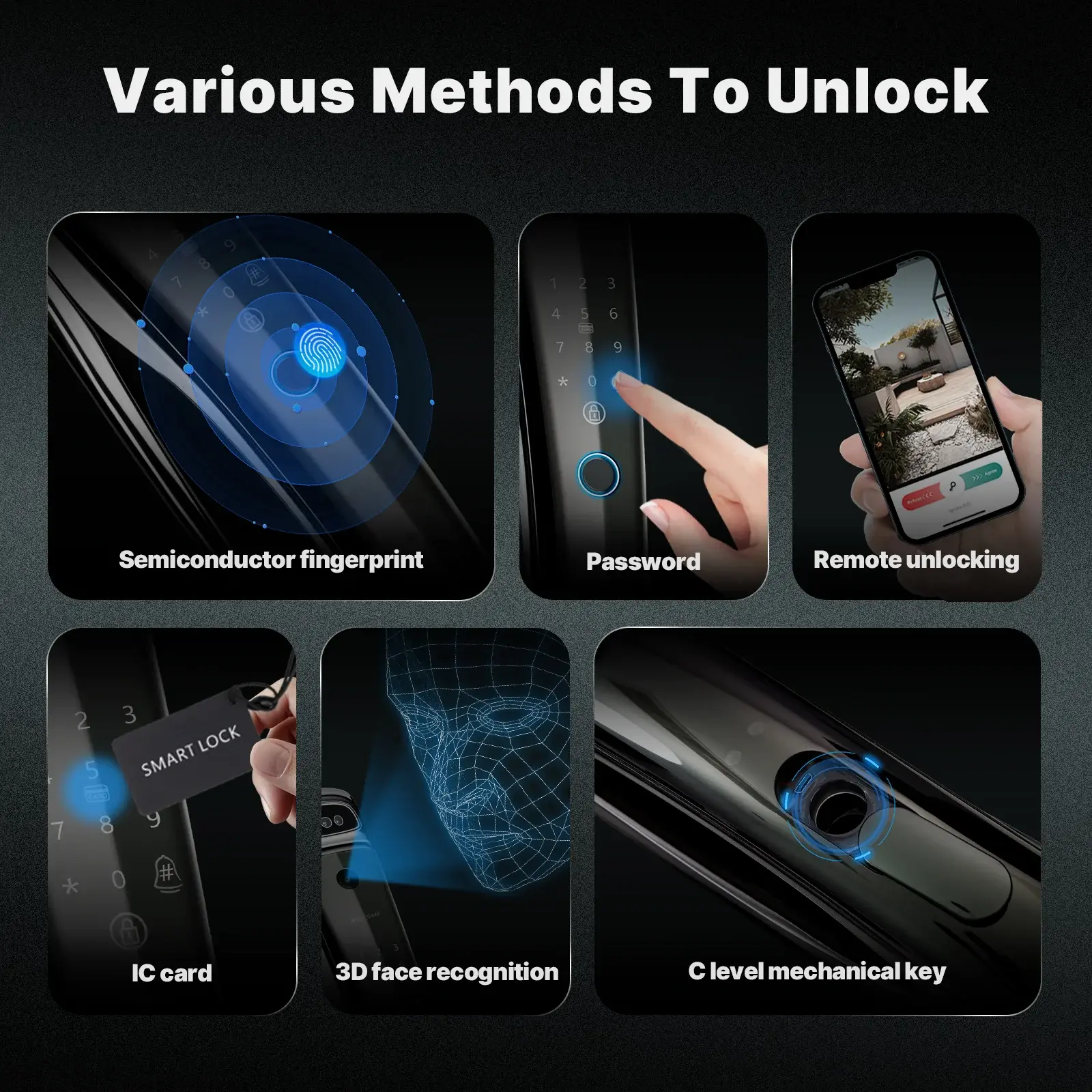
Various methods to unlock
Except for unlocking with ease using our advanced smart face recognition door lock, it offers versatile methods including fingerprint, password, IC cards, traditional keys.
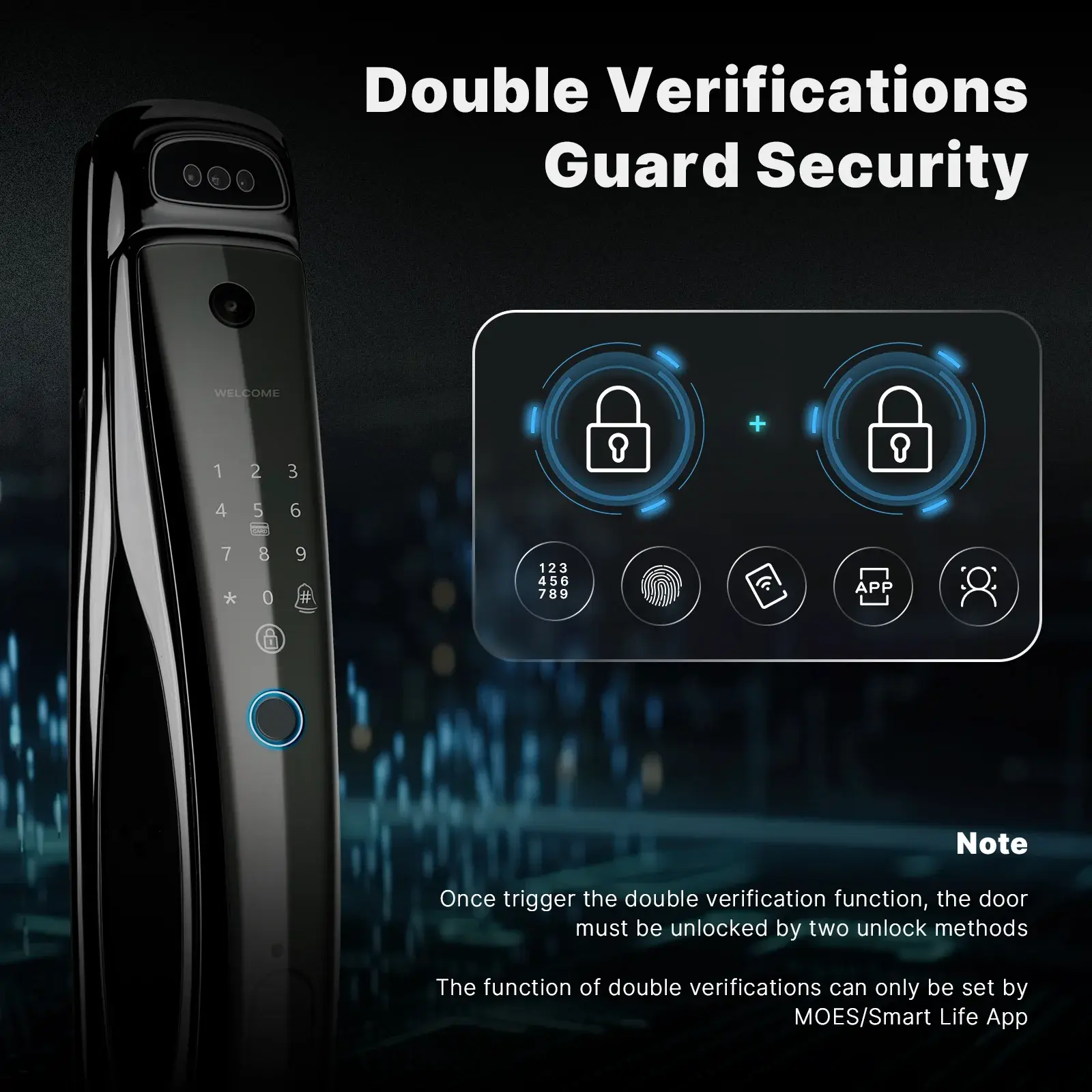
Double verifications guard security
Once trigger the double verification function, the door must be unlocked by two unlock methods.
The function of double verifications can only be set by MOES/Smart Life App.
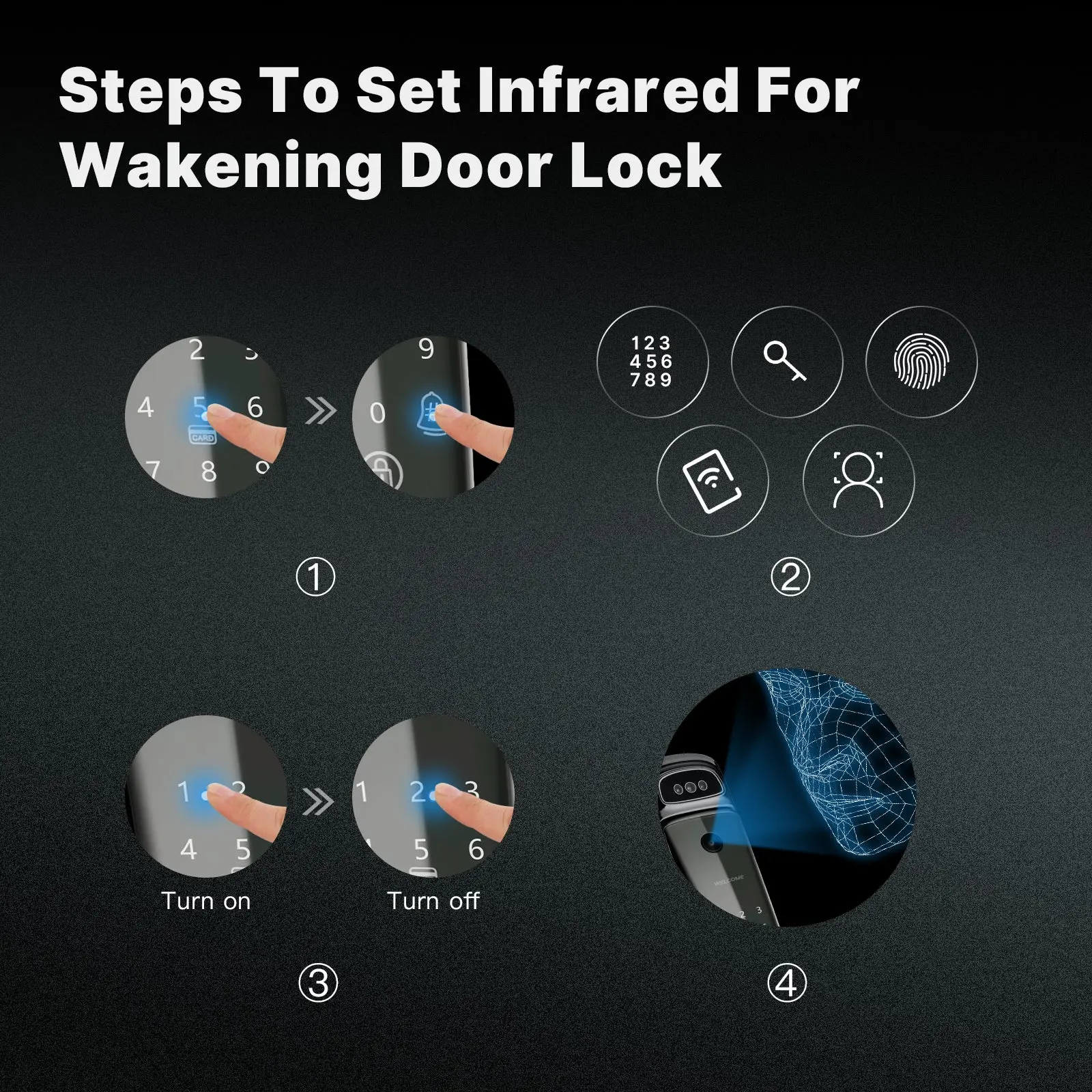
Steps to set infrared for wakening door lock
① Press 5 and then press #
② Verify administrator (by password/fingerprint/face/door card/key)
③ Select 1 to turn on infrared or 2 to turn off infrared.
④ After infrared is turned on or off, face recognition can be performed on the automatic wake-up door lock screen.